Anydesk
AnyDesk, a fast remote access to computers

Safe & Secure
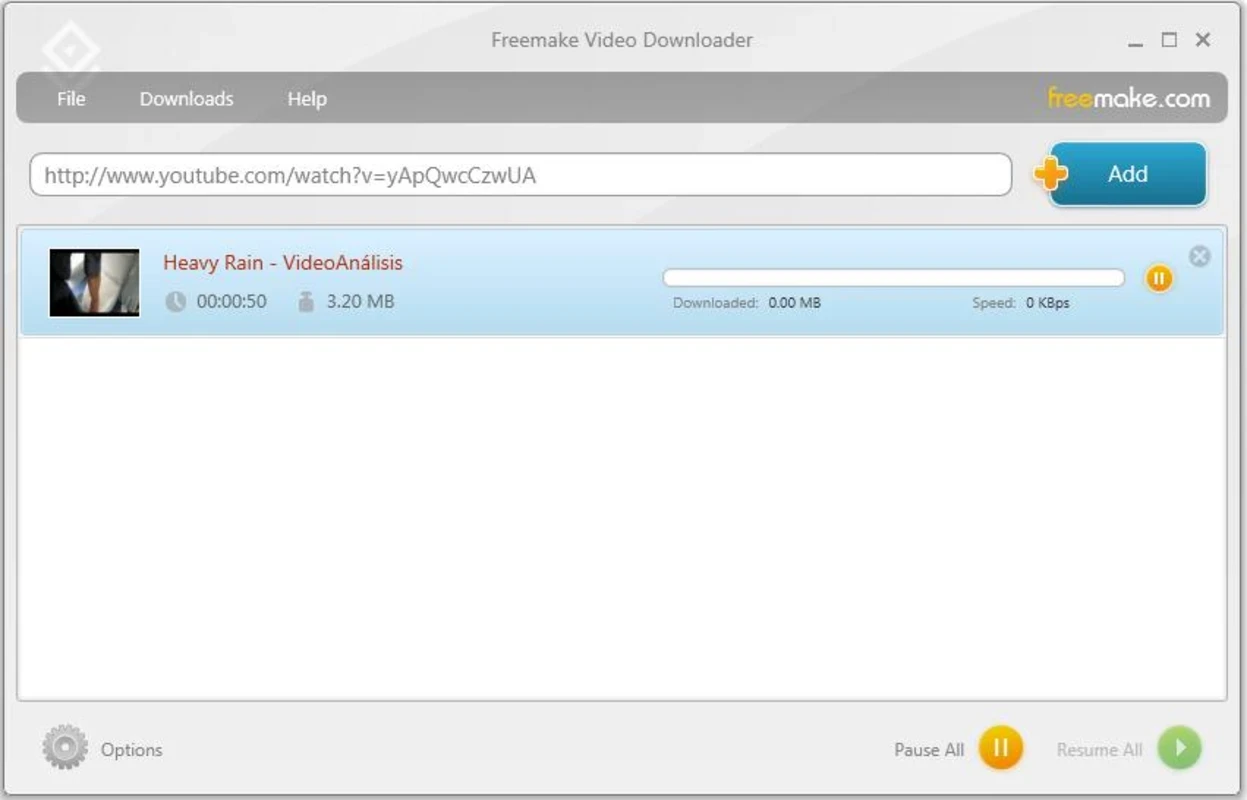
Freemake Video Downloader is one of powerful video downloading software programs, enabling users to add their desired visual content to their Windows PCs. It supports multiple video-sharing platforms, including YouTube, Facebook, Dailymotion, Vimeo, and so on. You can download any type of your favorite video using the copy/paste option.
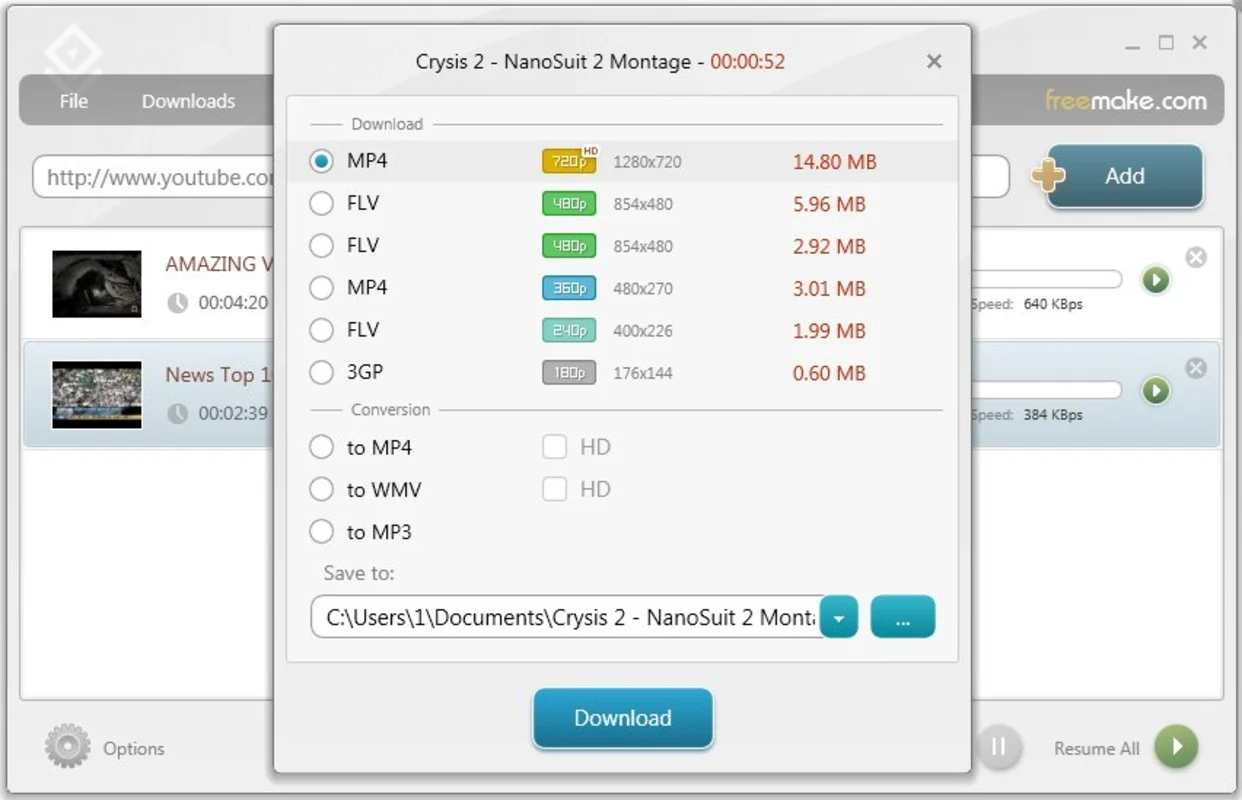
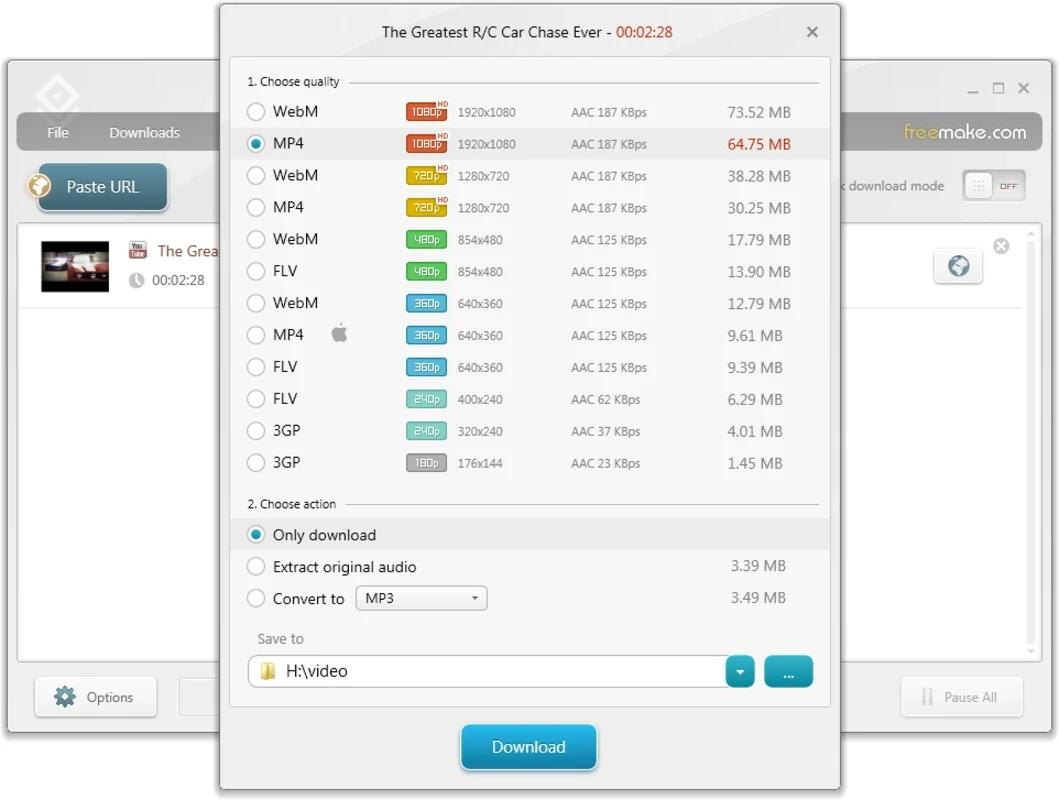
The innovative app is the best combination of simplicity and versatility, simplifying the downloading process with support for multiple popular formats, including FLV, MP4, WMV, 3GP, and so on. It is also possible to direct downloading of videos as MP3s, because of its capability to convert the video into MP3 on the fly.
Freemake Video Downloader, developed by Ellora Assets Corporation, falls under the Video and Audio Downloaders category and is a crippleware download manager, specifically designed for the Microsoft Windows operating system.
The app, with a user-friendly interface, has become one of the most popular video downloaders, supporting a huge number of websites, formats, and resolutions. It is available for free and also offers a premium version for unlocking the downloading capability more than 3 minutes in length.
The app offers huge compatibility, as the developers claim to download videos from 1000+ video-sharing platforms. So, you can download videos from the site, even if it doesn’t officially support it. The highly supported websites are YouTube, Vimeo, Dailymotion, Facebook, and lot of others. So, you will find a convenient and comprehensive video downloading experience, downloading videos from your favorite sources.
The diverse number of supported formats helps users to download videos in their preferred formats, such as MP4, AVI, WMV, FLV, 3GP, WebM, and so on. It also allows users to download videos in different resolutions, from low to high-definition, such as 360p, 4K, and even 8k. The versatility of formats and resolutions ensures an optimal video-watching experience, tailoring the downloads according to the specific needs and preferences of users.
The app offers a simple and easy one-click downloading process, as you need only to copy the link of your desired video to the clipboard and paste it into the given field of the app. The app also requires you to fill in some other requirements, including resolution, file size, etc., to get a video according to your preferences. The seamless conversion option is also available, allowing users to save the app in the original format and download the video “As is”, or convert it into a file type by selecting it from the available list, such as AVI, MKV, MP3, iPod/iPhone, Android, PSP, and 3GP files as well.
The app with an intuitive and user-friendly interface boasts a clean and modern look. You will find a simple navigation system, large icons, and a distraction-free light color scheme that makes the app comfortable and easy to use. You will also find all functionality, including adding video URLs, selecting download formats, selecting video quality, and more, well organized on the main screen. The straightforward design with a simple navigation system proves to be the best solution, even for users who are unfamiliar with downloading programs. The settings menu is also clearly organized, offering a detailed description of each option.
The app offers seamless compatibility with an extensive number of video-sharing platforms, including adult websites as well. So, there is a risk of kids accessing adult content. To avoid this inconvenience, the app offers a dedicated feature to lock adult sites, allowing parents to go to parental control settings, set a password, and enable parental control. The feature helps users to maintain their privacy, specifically for shared devices.
Beyond basic functionalities, the app is also embedded with advanced downloading capabilities, such as a batch downloading feature for downloading multiple videos simultaneously, as it will save your time and energy with one-click download options, allowing users to save the videos in the format and resolution they want.
You are capable of downloading your favorite videos, controlling the entire download process, as it allows you to download files locally as well as automatically, and upload them to cloud storage services, such as Dropbox, Google Drive, OneDrive, and so on. You can download an extensive number of videos simultaneously, but it depends upon your network connection, and in case of a slow network, you can limit bandwidth on the basis of a single file, or globally.
Pros
Cons

AnyDesk, a fast remote access to computers

Accelerated Downloading with Internet Download Manager (IDM)

SHAREit for PC is the best option for a P2P file-sharing process without using Wi-Fi.

ShareMe for PC, a freeware and streamlined file-sharing app

uTorrent, a powerful, lightweight, and fastest P2P file-sharing software

Xender for PC, an effective and convenient file transfer utility